- You have no items in your shopping cart
- Continue Shopping

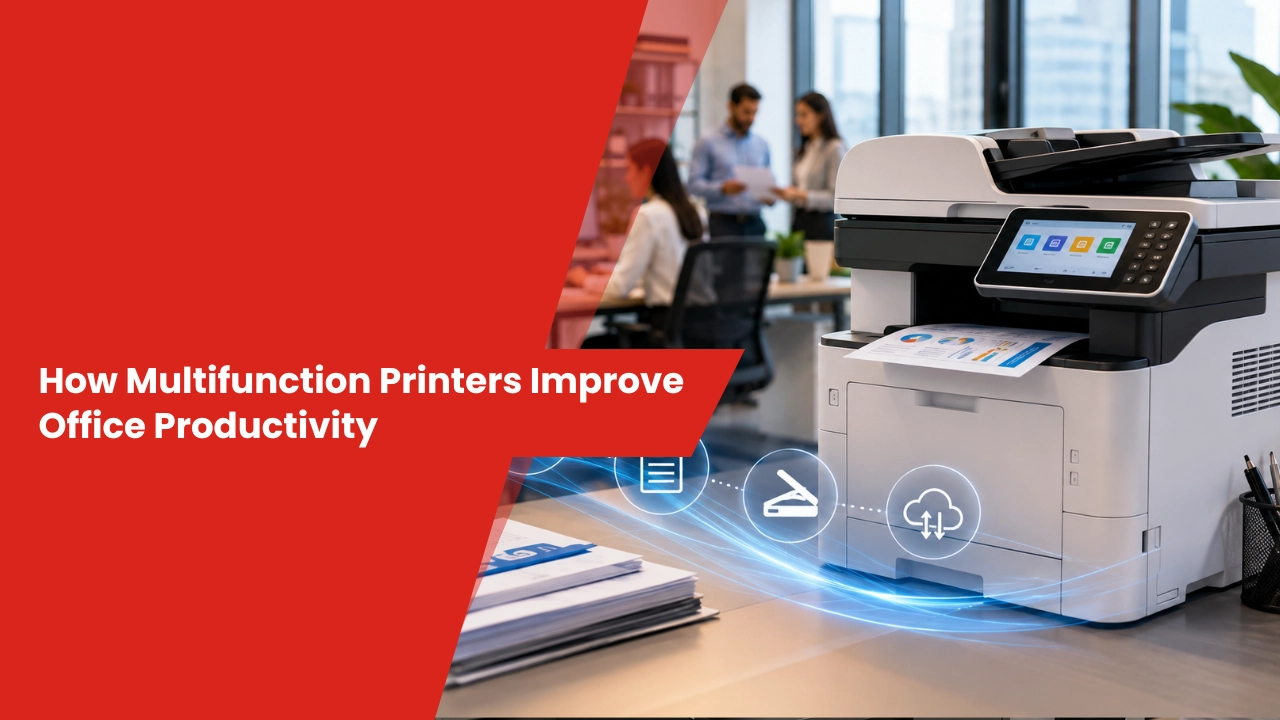
How Multifunction Printers Improve Office Productivity is about removing everyday friction from office work by combining printing, scanning, copying, and document sharing into one reliable device. Businesses using the Best Digital Printer solutions in musaffah abu dhabi can speed up workflows, reduce equipment clutter, lower operating costs, and help teams complete tasks with fewer interruptions and less wasted time.
Why do multifunction printers matter so much in busy offices?
Office productivity is often lost in small delays that seem harmless at first. A staff member waits for a scanner, another walks across the office to use a separate copier, and someone else pauses work because a printer is jammed or out of toner. These interruptions may only take a few minutes each, but over the course of a week they quietly reduce output and create frustration.
Multifunction printers solve this problem by bringing several essential functions into one machine. Instead of managing multiple devices, employees can complete document tasks from a single point of access. That means fewer bottlenecks, less confusion, and a smoother daily workflow.
For growing businesses, this kind of simplification is not just convenient. It directly supports faster operations, better staff coordination, and more consistent performance across departments. When the office runs on fewer moving parts, people spend more time doing meaningful work and less time dealing with equipment.
How do multifunction printers help teams save time?
Time savings are one of the clearest advantages of multifunction printers, especially in offices where document handling is part of daily operations. When printing, scanning, and copying are handled by one device, employees spend less time moving between machines and more time focusing on actual work. Many modern models also support scan-to-email, scan-to-folder, and cloud upload features, which remove the need for manual document handling.
This becomes especially valuable in departments that rely on fast document flow. Sales teams need proposals quickly, HR teams need records organized, and finance teams need invoices processed without delay. When documents move faster, decisions happen faster too. A delay in printing a contract or scanning a signed form can slow down an entire process, while a well-placed multifunction printer keeps work moving without interruption.
Why does faster document handling improve performance?
Because document flow affects nearly every department in the office. A receptionist who can scan and send files in seconds creates a better client experience. An accounts team that can print, copy, and archive documents from one device avoids unnecessary back-and-forth. A project team that can share files digitally from the printer saves time that would otherwise be lost to manual sorting.
A well-placed multifunction printer can quietly improve the pace of the entire office. It does not just print pages; it supports the rhythm of the workplace.
Can multifunction printers lower business costs?
Yes, and often in more ways than businesses expect.
Buying and maintaining separate printers, scanners, and copiers usually means higher hardware costs, more service calls, more supplies, and greater electricity use. A multifunction printer reduces that burden by replacing several devices with one efficient system. It also simplifies inventory management because the office only needs to track one main machine instead of several different models with different maintenance needs.
This is especially valuable for companies that want dependable equipment without overspending. Businesses working with Affordable photo copier suppliers in Abu dhabi often gain access to practical recommendations, installation support, and service plans that match their usage needs and budget. A good supplier does more than sell a machine. It helps the business choose the right capacity, avoid overbuying, and reduce the risk of paying for features it will never use.
Does a lower-cost setup mean weaker performance?
Not necessarily.
Many modern multifunction printers are built for speed, durability, and professional-quality output. They can handle heavy workloads while still keeping operating costs under control. That makes them a smart fit for startups, SMEs, and larger offices that want reliable performance without unnecessary overhead. In many cases, the right device pays for itself through lower maintenance needs, fewer breakdowns, and better energy efficiency.
The right device should reduce costs without slowing the business down. That balance is what makes multifunction printers such a practical investment for offices that want both efficiency and control.
How do multifunction printers improve document organization?
Good document management is a productivity tool, not just an administrative task.
Multifunction printers make it easier to store, retrieve, and share files by connecting with cloud platforms and digital workflows. Instead of relying on paper stacks or scattered folders, employees can scan documents directly into secure digital locations where they are easier to find and manage. This improves accessibility across departments and reduces the risk of misplaced paperwork.
It also supports a cleaner, more organized office environment where information is easier to control. When documents are stored properly, teams spend less time searching for files and more time using them. That matters in fast-moving offices where a missing invoice, contract, or report can delay an entire process.
What role does security play in productivity?
A major one.
Modern multifunction printers often include secure login access, encrypted transmission, user permissions, and protected print release. These features help businesses keep sensitive information safe while still allowing employees to work quickly. Security and productivity are often treated as separate goals, but in practice they work best together. If staff trust the system, they can use it more confidently and efficiently.
Productivity improves when staff can move fast without compromising confidentiality. That is especially important in industries that handle financial records, legal documents, customer data, or internal reports.
Which features should businesses look for before buying?
The best multifunction printer is the one that fits the way your office actually works.
Businesses should evaluate print speed, monthly duty cycle, wireless connectivity, mobile printing, duplex printing, cloud compatibility, and energy efficiency before making a decision. These features affect both daily convenience and long-term value. A printer that looks impressive on paper may still be the wrong choice if it cannot handle the office’s actual workload or if it lacks the connectivity features employees use every day.
Companies researching the Best Multifunction Printers for UAE Offices in 2026 should also think about scalability. A printer that works well today should still support the business as print volume grows, teams expand, and workflows become more digital. That means looking beyond basic print quality and considering how the device will perform over time in a real office environment.
Can multifunction printers support hybrid work environments?
Yes, and this is one of their strongest advantages.
Employees can print from laptops, tablets, and smartphones, whether they are in the office or working remotely. Cloud-connected printing also makes it easier to share documents across teams without relying on physical handoffs. This flexibility is especially useful for businesses with multiple branches, shared workspaces, or staff who split time between office and home.
As hybrid work becomes more common, businesses need printing systems that are flexible, secure, and easy to access from multiple locations. A multifunction printer that supports mobile and cloud workflows helps keep everyone connected without adding complexity.
How can the right printer placement improve workflow?
Printer placement is often overlooked, yet it can have a real impact on productivity.
If a multifunction printer is placed too far from the teams that use it most, employees waste time walking back and forth. If it is placed in a noisy or crowded area, it can become a distraction. The best setup is usually one that balances accessibility, privacy, and traffic flow. Shared departments such as administration, finance, and operations often benefit from having the printer positioned in a central but controlled location.
A thoughtful setup also reduces congestion around the machine. When employees can reach the printer easily, they are less likely to interrupt others or delay tasks. Small layout decisions can create noticeable gains in daily efficiency.
Why is maintenance so important for productivity?
Even the most advanced printer will slow down if it is not maintained properly.
Preventive servicing helps reduce breakdowns, improve print quality, and extend the life of the machine. It also lowers the chance of unexpected downtime, which can disrupt deadlines and frustrate employees. Regular maintenance is especially important for offices with high print volumes, where even a short interruption can affect multiple people at once.
Routine checks also help identify issues before they become expensive repairs. Replacing worn parts, cleaning internal components, and updating firmware can keep the device running smoothly and help businesses avoid emergency service calls. That kind of reliability matters in offices where printing is part of daily operations rather than an occasional task.
How can businesses get the most value from multifunction printers?
The printer itself is only part of the solution.
To get real productivity gains, businesses should match the device to their workload, train employees on proper use, monitor print activity, and keep up with servicing. When staff understand how to use the machine efficiently, the benefits become much more noticeable. A printer with advanced features will only deliver value if people know how to use those features in their daily routines.
It also helps to set simple office rules around printing habits. Default duplex printing, secure release settings, and shared digital folders can reduce waste and improve consistency. Technology works best when it is paired with smart office habits. That combination turns a multifunction printer from a basic machine into a genuine productivity tool.
What is the smartest way to build a productive printing setup?
A multifunction printer is more than a convenience. It is a practical investment in speed, organization, and operational control. By reducing device clutter, simplifying document handling, and supporting secure digital workflows, it helps offices work with fewer delays and better coordination.
To get the strongest results, many businesses pair their hardware with the Best Print Management Solutions Abu Dhabi. That combination helps control print costs, improve document security, track usage more accurately, and create a more efficient office environment that supports long-term growth. When the right printer is matched with the right management strategy, productivity improves in ways that are easy to measure and even easier to sustain.