- You have no items in your shopping cart
- Continue Shopping

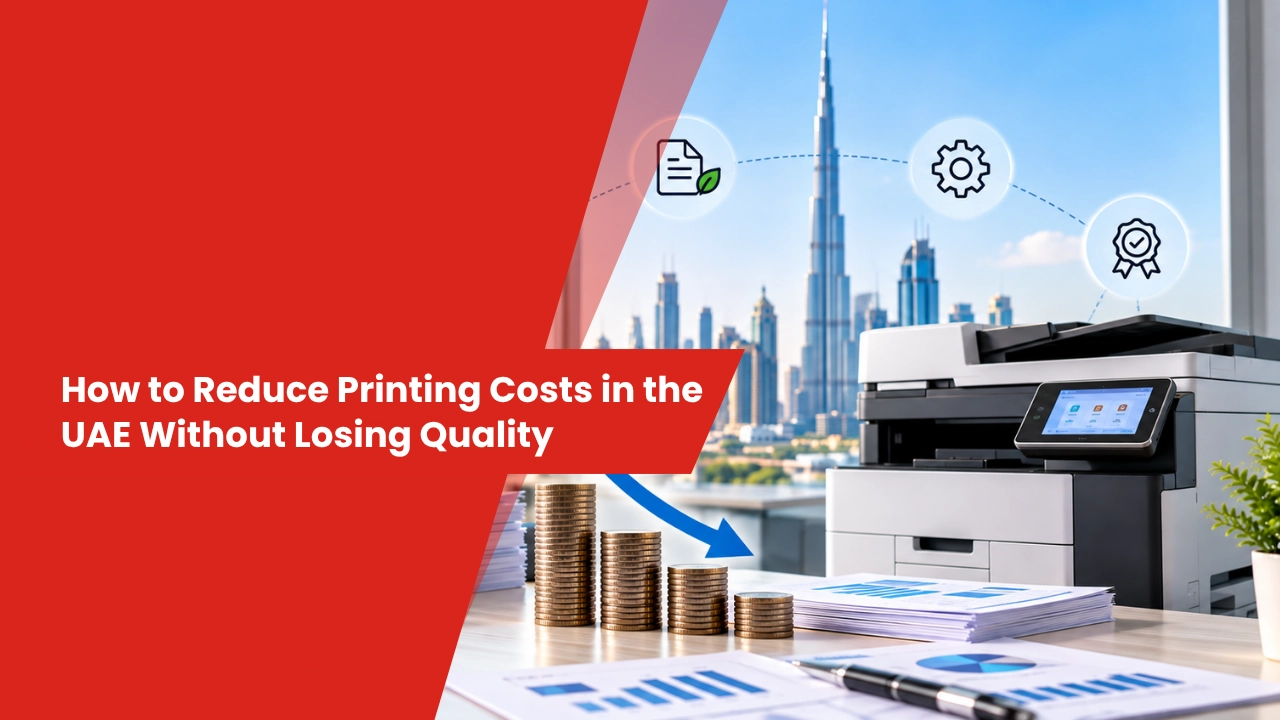
For businesses across the UAE, printing is still an important part of everyday operations. Offices use printed documents for quotations, invoices, agreements, reports, and customer records. When printing is not managed properly, the cost of paper, toner, equipment servicing, and repeated print jobs can gradually increase.
The solution is not to print everything at a lower quality. Instead, businesses can review how they use their printers, select equipment that fits their workload, and manage ongoing expenses more effectively.
Here are eight practical ways to make office printing more economical while maintaining professional results.
1. Match Printer Capacity to Your Workload
A printer that cannot handle your office’s daily workload may experience frequent interruptions and increased wear. On the other hand, an oversized machine can add unnecessary equipment and operating costs.
Start by estimating how many pages your business prints each month. Consider whether employees need colour documents, high-speed output, automatic scanning, copying, or specialised paper handling.
For example, a small consultancy producing occasional invoices may need a different device from a company printing hundreds of reports each working day.
Compare the purchase price with recurring expenses such as toner, paper, maintenance, and replacement components. This gives you a clearer picture of what the equipment will cost over time.
2. Make Better Use of Every Sheet of Paper
Paper waste often comes from small habits repeated across an office. Employees may print entire reports to check one paragraph, produce unnecessary copies of emails, or discard documents because of formatting errors.
Enable double-sided printing for suitable documents and use print preview before sending files to the printer. You can also print selected pages instead of entire documents and share digital copies when physical paperwork is unnecessary.
Consider a simple example: if an office prints 2,000 pages monthly, switching suitable documents from single-sided to double-sided printing could reduce paper consumption substantially. The actual saving depends on document length, page pairing, and how often physical copies are required.
Keep standard-quality printing for important client documents and use economical settings for internal drafts. This helps reduce waste without making business materials look unprofessional.
3. Keep Toner Spending Under Control
Toner costs depend on cartridge prices, page yield, printing coverage, and the type of documents produced. Looking only at the price of a cartridge can therefore lead to poor purchasing decisions.
Compare the expected cost per page when selecting consumables. Check manufacturer-rated yields and remember that actual results can vary according to the amount of text, graphics, and colour on each page.
Your office can also reduce unnecessary toner consumption by:
- Using black-and-white mode for documents that do not need colour.
- Selecting economy settings for suitable internal paperwork.
- Checking toner levels before ordering replacement cartridges.
- Reviewing colour printing habits across departments.
- Using consumables appropriate for the printer model.
Avoid choosing supplies solely because they are inexpensive. Consistent output quality and compatibility with your equipment are important when assessing value.
4. Explore Printer Rental Services in Abu Dhabi
Businesses that need professional printing equipment do not always have to purchase every machine. Printer Rental Services in Abu Dhabi can provide access to suitable printers through an agreed rental arrangement.
This option may be useful for startups, expanding offices, and companies that want to manage upfront equipment expenses. Depending on the contract, rental arrangements may include maintenance, technical assistance, or selected consumables.
Before signing, examine the complete pricing structure. Check the monthly rental charge, permitted print volume, extra-page rates, contract duration, toner provisions, and repair coverage.
For example, an office with predictable monthly printing requirements should estimate its total annual rental expense, including any additional charges. It can then compare that figure with the cost of buying and maintaining similar equipment.
Rental is not automatically cheaper than ownership. The right choice depends on the business’s printing volume, budget, service requirements, and expected length of use.
5. Prevent Avoidable Repairs Through Regular Servicing
Printer problems can waste both time and materials. Paper jams, dirty rollers, faded output, and worn components may lead employees to repeat print jobs or seek emergency repairs.
Follow the manufacturer’s cleaning and maintenance recommendations, use appropriate paper, and arrange professional servicing when needed. Address recurring problems early rather than allowing them to disrupt daily operations.
Businesses with high printing volumes may consider an Annual Maintenance Contract (AMC). Depending on the agreement, this may cover scheduled servicing, technical support, labour, or replacement parts.
Read the contract carefully because AMC packages differ in what they include. Confirm whether consumables, spare parts, emergency visits, and repair labour are covered or charged separately.
Regular maintenance cannot prevent every fault, but it can help businesses identify problems earlier and manage equipment more reliably.
6. Select Multifunction Printers for Suitable Workloads
Many offices need to print, scan, and copy documents throughout the working day. Using separate devices for each activity can increase equipment requirements and make document handling more complicated.
When evaluating Multifunction Printers in UAE, compare scanning capabilities, printing speed, monthly workload, paper capacity, network connectivity, security features, and consumable expenses.
A multifunction device may suit an office that regularly handles contracts, invoices, and administrative paperwork. Employees can scan documents for digital storage and sharing instead of producing extra physical copies.
However, a multifunction printer is not necessarily the most economical choice for every workplace. A business with minimal printing needs may find a simpler device more suitable. Select equipment based on actual usage rather than paying for features that employees rarely need.
7. Understand Where Your Printing Budget Goes
Printing costs are difficult to control when a business does not know how much each department uses. Reviewing monthly activity can reveal patterns that are otherwise easy to overlook.
Track paper purchases, toner consumption, service expenses, colour printing, and approximate page volumes. Where supported, print-management tools can help identify which departments or devices generate the most output.
Use these findings to establish sensible printing guidelines. For example, departments that frequently produce internal reports might benefit from default duplex printing, while customer-facing teams may need colour output for selected materials.
Review the results periodically to see whether the changes are helping. The objective is to eliminate unnecessary printing without slowing employees down or restricting documents essential to business operations.
8. Know When to Repair or Replace a Printer
A printer that repeatedly breaks down may cost more to operate than its age or purchase price suggests. However, replacing equipment at the first sign of trouble can also lead to unnecessary spending.
Consider the frequency of breakdowns, repair expenses, print quality, speed, toner efficiency, and availability of replacement parts. Compare the likely future operating costs of the existing printer with those of a suitable replacement.
If the problem is minor and repairs are affordable, keeping the current machine may be sensible. If service interruptions are frequent and maintenance expenses continue to rise, a replacement or leasing arrangement may deserve consideration.
Make the decision using the overall cost and business impact, not age alone.
Frequently Asked Questions
How can UAE businesses lower their office printing expenses?
Review printer usage, reduce unnecessary copies, enable double-sided printing, compare toner costs, and maintain equipment regularly. Choosing a device suited to the workload can also help control recurring expenses.
Is renting a printer a good option for a small business?
It can be useful for businesses that prefer to spread equipment expenses over an agreed period. Compare rental charges, contract conditions, print limits, and included services with the cost of purchasing a printer.
Does double-sided printing reduce paper consumption?
Yes, when documents can be printed on both sides, fewer sheets are generally needed. The amount saved depends on document length, formatting, and whether all pages are suitable for duplex printing.
How can a business maintain professional print quality while saving money?
Use appropriate paper and compatible consumables, select suitable quality settings for different documents, and keep equipment maintained. Reserve high-quality colour printing for materials that genuinely require it.
UAE Businesses, Ready to Cut Your Printing Costs?
From corporate offices in Dubai to growing businesses in Abu Dhabi, effective print management can help control operating expenses without compromising the quality of important business documents.
Digital Copier offers printer rental, leasing, multifunction printers, AMC, maintenance, and technical support to help businesses choose equipment and services that fit their requirements.
Looking to reduce printing costs without compromising quality? Contact Digital Copier today to explore practical printing solutions tailored to your UAE business, workload, and budget.